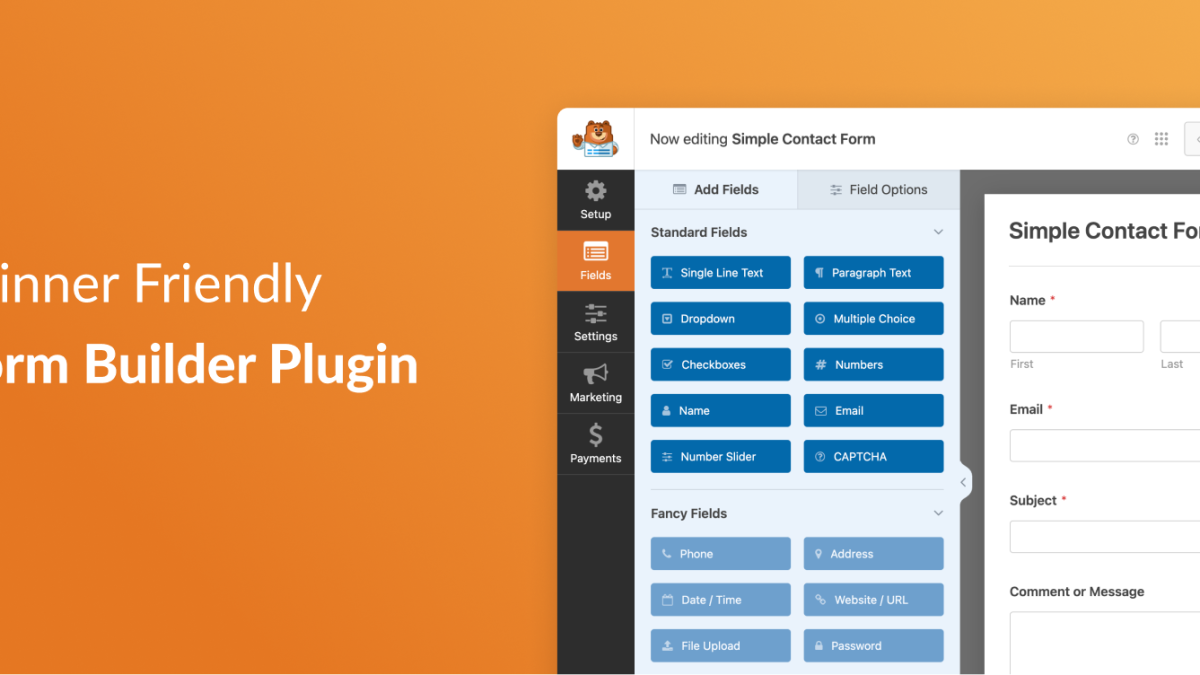
WPForms AI Form Builder is a WordPress plugin designed to help users create a wide range of forms including contact forms, payment forms, surveys, quizzes, and more. It appeals to users looking for an intuitive drag-and-drop interface combined with AI-assisted form creation. The current version is unknown at the time of this review.
What Is WPForms AI Form Builder?
WPForms has established itself as one of the leading form builder plugins in the WordPress ecosystem. Its AI-powered iteration aims to streamline the form creation process by leveraging artificial intelligence to suggest fields, layouts, and workflows that best suit user needs. This evolution builds on the longstanding WPForms reputation for user-friendly design and flexibility.
The plugin is positioned for a broad audience—from beginners who want quick and simple form setup, to marketers and businesses that require more complex forms like payment gateways and interactive quizzes. While the core plugin offers essential features, advanced capabilities generally require a paid upgrade, making it a compelling option for users ready to invest in premium functionality.
Key Features
- AI-Assisted Form Building: Utilizes AI to recommend form fields and streamline the design process, reducing manual setup time.
- Drag-and-Drop Interface: User-friendly builder that enables quick form creation without coding knowledge.
- Variety of Form Types: Supports contact forms, payment forms, surveys, quizzes, and more to cover diverse use cases.
- Payment Integration: Allows easy setup of payment forms, supporting popular gateways for transactions.
- Survey and Quiz Tools: Offers interactive elements for collecting detailed user feedback and engagement.
- Responsive Design: Ensures forms work well on all devices, improving user experience across platforms.
- Entry Management: Provides options to view and manage form submissions, though full features may require premium versions.
- Template Library: Includes pre-built templates to jumpstart form creation and reduce design time.
Pricing
WPForms AI Form Builder does not publicly list pricing details. Community feedback indicates that while a free version is available, it is limited in features, especially for advanced field types and entry management. Users are encouraged to visit the official site for current pricing, as recent changes and tier structures are not clearly documented.
Pros and Cons
- ✓ AI-assisted building speeds up form creation and reduces complexity.
- ✓ Intuitive drag-and-drop interface suitable for beginners.
- ✓ Supports a wide range of form types including payment and surveys.
- ✓ Responsive design ensures compatibility across devices.
- ✗ Free version is quite limited, pushing users toward paid plans for essential features like entry management.
- ✗ Some advanced field types and integrations require premium upgrades, increasing costs.
- ✗ Pricing details are not transparent, frustrating users evaluating the plugin.
Who Is It Best For?
WPForms AI Form Builder is an excellent choice for beginners and small businesses who want a quick, easy way to create basic forms without coding. Agencies and developers might find it useful for rapid prototyping but may seek more customizable or cost-effective alternatives for complex projects. Budget-conscious users should be cautious as many advanced features require payment, making the free version less suitable for professional needs.
Verdict
WPForms AI Form Builder remains a strong contender in the WordPress form plugin market thanks to its AI enhancements and user-friendly interface. It truly shines for users who prioritize ease of use and variety in form types. However, the plugin’s value diminishes for those who need advanced features without incurring higher costs, as the free version offers limited functionality and pricing is not transparent.
In 2026, WPForms AI Form Builder is worth considering if you want an efficient, AI-driven form plugin and are prepared to invest in premium plans for full capabilities. For those on a tight budget or needing extensive customization, exploring other plugins might be advisable.
Key Takeaways
- AI assistance helps speed up and simplify form creation.
- Free version is limited; many essential features require paid upgrades.
- Supports diverse form types including payments, surveys, and quizzes.
- Pricing is not transparent, which can be a drawback during evaluation.
- Best suited for beginners and small businesses, less ideal for budget users needing advanced features.