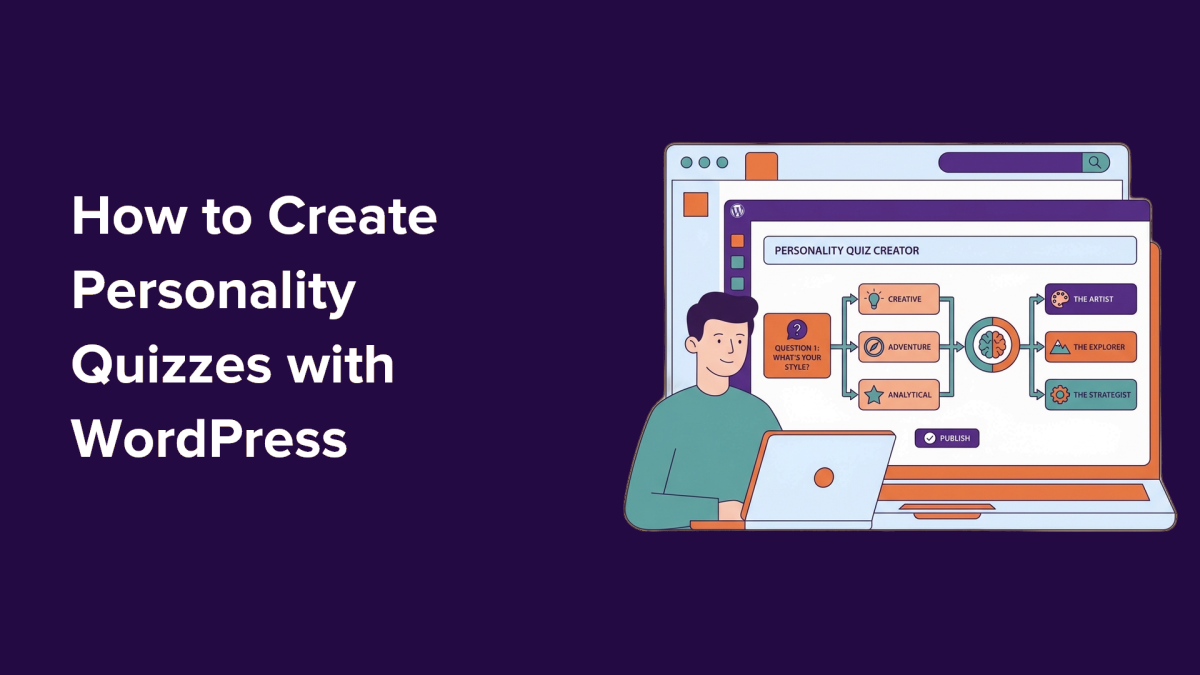
Some links on this page are affiliate links. We may earn a commission when you click through and make a purchase, at no additional cost to you.
Personality quizzes have become a powerful tool for websites looking to grow their email lists, engage visitors, and provide tailored experiences. By leveraging WordPress and the WPForms Quiz Addon, site owners can create interactive content that feels personal and fun while driving real business results. This article explains how one WordPress user successfully built a quiz to convert visitors into segmented email subscribers—and how you can do the same.
Key Takeaways
- Personality quizzes are an effective way to grow email lists by engaging visitors with interactive content.
- Using WPForms and its Quiz Addon, you can build quizzes without writing any code.
- Quizzes help segment audiences for personalized marketing, improving email campaign results.
- Interactive quizzes tend to outperform traditional lead magnets in capturing leads.
Why Personality Quizzes Work for WordPress Sites
Personality quizzes offer a unique way to engage visitors and collect email addresses seamlessly. Unlike traditional lead magnets like ebooks or checklists, quizzes provide immediate value in the form of personalized results. This approach feels less intrusive, motivating users to share their email addresses to see their outcomes.
In practice, quizzes can serve as the gateway to a larger marketing funnel. For example, a travel website might use a quiz titled “What’s Your Travel Style?” to classify visitors as Adventurers, Relaxation Seekers, or Culture Explorers. After capturing their email addresses, targeted newsletters can continue the conversation, offering tailored tips, guides, or vacation packages.
Quizzes not only capture leads but also provide valuable audience insights based on users’ answers, enabling more effective segmentation.
Interactive content also boosts engagement metrics, keeping visitors on your site longer. This increased dwell time can positively impact SEO while giving users a memorable experience that encourages them to return.
Step-by-Step: Building a Personality Quiz with WPForms
Step 1: Install WPForms and the Quiz Addon
The WPForms plugin is a popular choice for creating forms and surveys in WordPress, and its Quiz Addon simplifies the process of building personality quizzes. You’ll need the WPForms Pro plan or higher to access this feature. After purchasing, download the plugin and activate it on your WordPress site.
Step 2: Enable Quiz Mode
Once WPForms is installed, navigate to the Quiz settings within the plugin to enable Quiz Mode. This feature lets you define outcomes and map questions to specific results without needing custom code.
Step 3: Choose and Configure Your Quiz Type
Decide on the type of quiz you want to create. For example, a travel website might use categories like Adventurer, Relaxation Seeker, or Culture Explorer. Define clear outcomes based on your audience’s preferences.
Step 4: Add Questions and Map Answers
Craft engaging questions that help users discover their preferences. Use WPForms’ intuitive interface to map each answer to a corresponding outcome.
Step 5: Set Up Lead Generation
Include an email field as part of the quiz to capture leads. WPForms makes it easy to connect quiz results to email marketing platforms, enabling automatic segmentation.
Step 6: Publish and Promote Your Quiz
Embed the quiz on your site and share it via social channels or email campaigns to drive traffic. Consider creating a dedicated landing page for the quiz to maximize conversions.
What This Means for WordPress Users
For WordPress professionals, this strategy highlights the growing importance of interactive content in lead generation. Agencies and freelancers can use this approach to create value-added services for clients, offering tailored quizzes that drive measurable results. Plugin developers might also consider building their own quiz-related tools to tap into this demand.
Site owners can benefit by integrating personality quizzes into their marketing funnels, improving both engagement and email segmentation. With WPForms, the process is accessible even to those without technical expertise, making it a practical solution for small businesses and bloggers.
We recommend exploring WPForms Pro for its ease of use and robust integrations. For those already using WPForms, the Quiz Addon is a natural upgrade to enhance your lead-generation capabilities.
Frequently Asked Questions
Can I use WPForms to create quizzes for free?
WPForms offers a free version, but the Quiz Addon requires the Pro plan or higher.
How do quizzes improve email segmentation?
Quizzes allow you to categorize users based on their answers, enabling personalized follow-up campaigns.
What types of businesses benefit from quizzes?
Quizzes work well for e-commerce, travel, education, and any niche that benefits from audience segmentation.