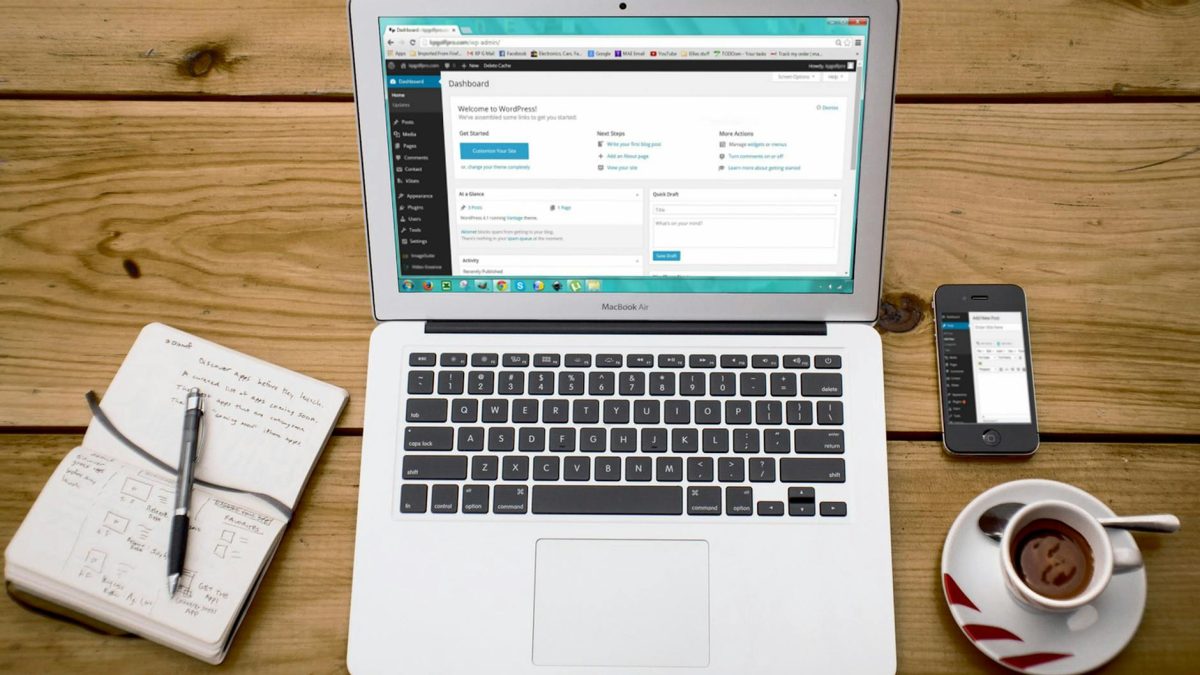
WordPress has rolled out a groundbreaking shift in its approach to accessibility with the launch of my.WordPress.net, a Playground-powered personal workspace. This new tool promises a full WordPress installation directly in the browser, eliminating the need for sign-ups and maintaining the site until manually closed.
The introduction of my.WordPress.net has been heralded as a modern take on WordPress’s classic “five-minute install” strategy. Announced by Automattic-sponsored contributor Brandon Payton on the WordPress News blog, this initiative aims to streamline the process of testing and developing WordPress sites.
Why Automattic’s Move Caught Agencies Off-Guard
The move to a browser-first environment aligns with the broader trend of making technology more accessible and reducing barriers to entry. However, the reaction from developers and agencies has been mixed. While some praise the innovation for reducing setup times and simplifying the testing process, others express concerns over the practicality of browser-based development, especially when considering complex, resource-intensive projects.

For many developers, the question of performance remains critical. Running a full WordPress installation within a browser might not meet the processing power required for large-scale projects or extensive plugin testing. Moreover, with no local environment to manage, traditional debugging and performance optimization tools may face limitations.
A Modern Take on the ‘Five-Minute Install’
This latest effort by Automattic is seen as a strategic step to simplify the WordPress onboarding experience. Traditionally, the “five-minute install” was a hallmark of WordPress’s user-friendly approach. Translating this philosophy into a browser-first model could broaden WordPress’s appeal, especially among users less familiar with local development environments.
Yet, the broader WordPress community remains divided. While some see it as a vital step towards future-proofing WordPress, others worry about the implications for traditional workflows. The balance between simplicity and functionality will be vital in determining the success of my.WordPress.net.
What To Do
- For Developers: Test my.WordPress.net with simple projects to understand its capabilities and limitations before integrating it into client work.
- For Agencies: Evaluate how this tool fits into your current workflow, especially if your projects require heavy customization or complex functionality.
- For Site Operators: Consider using my.WordPress.net for quick trials and demonstrations, but maintain traditional environments for production sites.