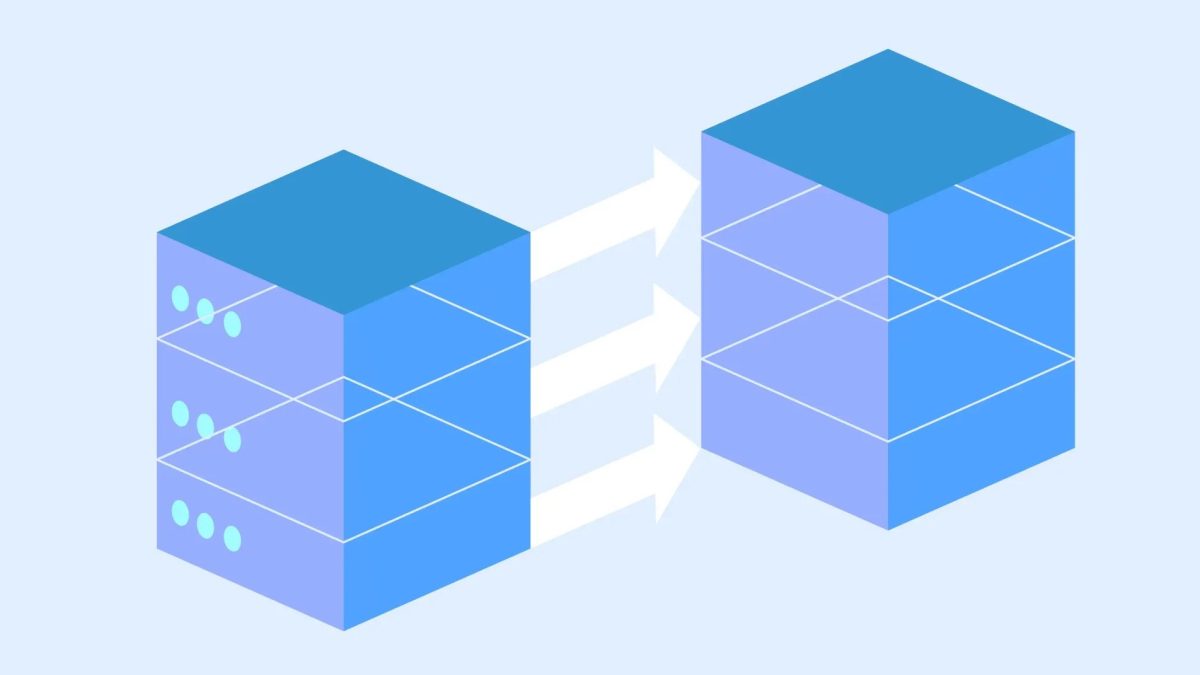
Migrating a WooCommerce site is fraught with potential pitfalls that could lead to downtime and data loss. As businesses evolve, the need to move to a new hosting provider or platform becomes inevitable. However, overlooking critical steps during this process can result in significant setbacks.
The first common mistake during WooCommerce migration is neglecting to create a full backup. Given the extensive data transfer involved, the risk of data loss or corruption is substantial. To mitigate this, it’s vital to back up the entire WordPress installation, including the database, wp-content directory, theme, and plugin files. Effective tools like Backup Migration can streamline this process, ensuring backups are both comprehensive and stored securely on local and cloud storage.
Another crucial aspect is confirming plugin and theme compatibility. Many site functionalities rely on these components, and incompatibility with the new site can lead to errors and broken layouts. Therefore, updating and verifying the compatibility of all plugins and themes, as well as checking the versions of PHP, MySQL, and WordPress, is essential before migration.
Improper Database Management Risks Data Loss
The database is the heart of any WooCommerce platform, and improper management during migration can cause severe issues. Mistakes like data collation mismatches or incorrect prefix table updates can lead to database corruption. Utilizing a reliable WordPress migration plugin, such as LitExtension, can help manage these complexities and ensure a smooth data transfer.

SEO and permalinks also play a significant role in maintaining site visibility post-migration. Misconfigured permalinks can hurt SEO rankings and lead users to 404 error pages. Implementing 301 redirects using plugins like Redirection ensures old URLs guide visitors to their new locations, preserving SEO equity.
Comprehensive Testing is Non-Negotiable
Before making your new site live, thorough testing on a staging site is critical. This allows for a detailed review of functionalities, including product pages, checkout processes, and integrations, to catch any errors before the final switch. A staging environment replicates the live site, providing a safe space to test and refine without risking user experience.

Finally, once the migration is complete and the site is live, ongoing monitoring is imperative. Post-migration checks should include verifying all functionalities, such as the purchase process and payment gateway, to ensure nothing was missed. Rigorous monitoring helps catch any lingering issues, such as unresolved 404 errors or broken links.
What To Do
- Developers: Use comprehensive backup solutions and test backups for integrity.
- Site Operators: Verify plugin and theme compatibility and update all components pre-migration.
- Hosting Professionals: Facilitate the use of staging sites for thorough pre-launch testing.