WordPress plugins are essential for enhancing site functionality, but they come with risks that can compromise performance and security. Site operators often face a critical question: how many plugins are too many?
Plugins expand capabilities quickly, whether it’s SEO, social media integration, or inquiry forms. However, installing plugins indiscriminately can harm your site. Outdated or poorly developed plugins are common entry points for hackers. The risk grows with the number of plugins you use, increasing vulnerability and potential conflicts.
Why Plugin Overload Is Dangerous
Performance degradation is a major issue caused by excessive plugins. A slow-loading site often has bloated plugin usage behind it. Additionally, plugins can conflict with each other or your theme, leading to feature malfunctions or even site crashes. These conflicts can be difficult to diagnose and resolve.
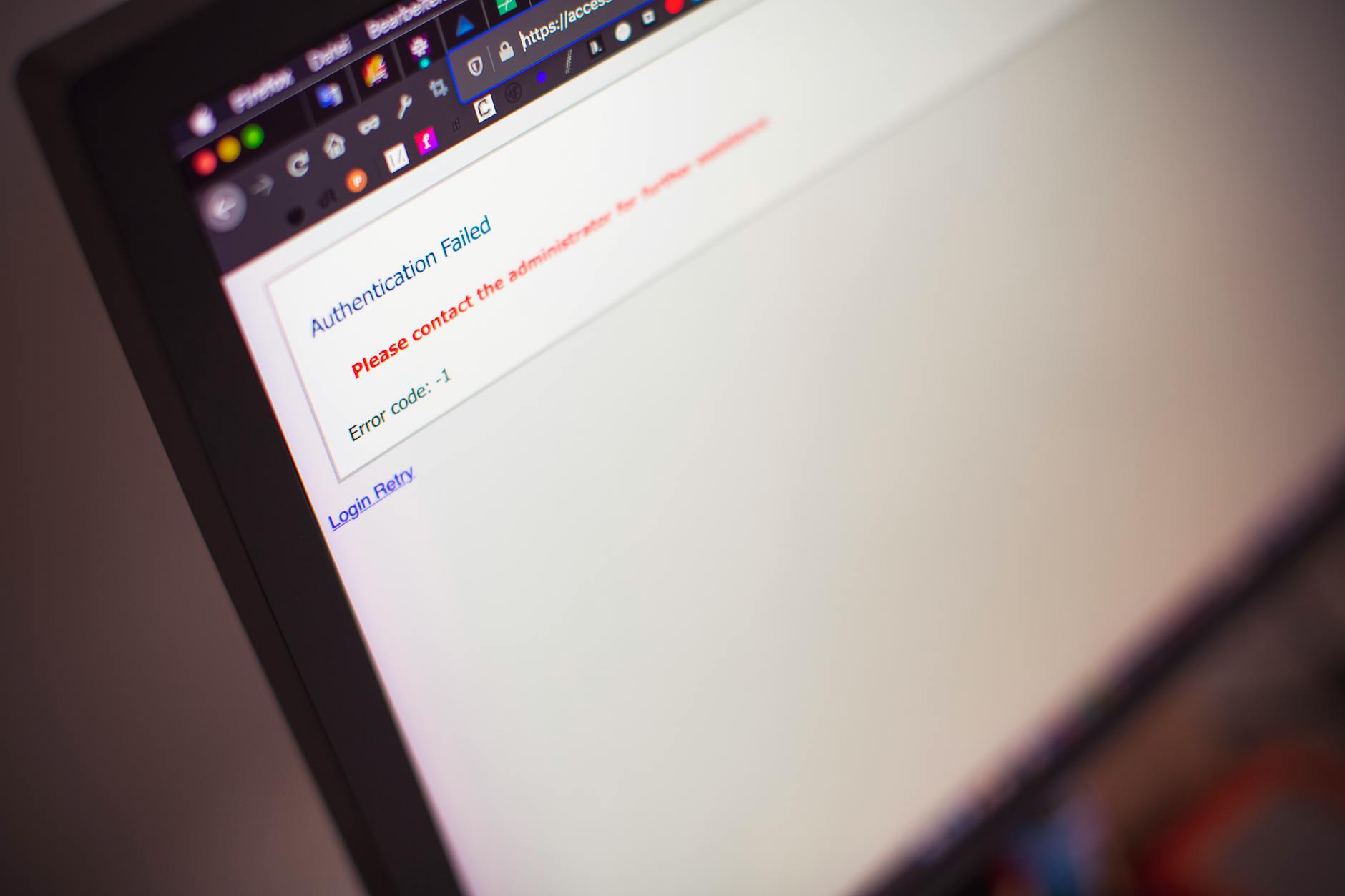
Security is another critical concern. Plugins that aren’t regularly updated can fall behind on compatibility with the latest WordPress version. This opens the door to exploits. Before installing a plugin, site operators should evaluate its update history, reviews, and support responsiveness.
How to Select Plugins Wisely
Start by choosing plugins only from trusted sources, such as the WordPress.org repository. These plugins are vetted, rated, and reviewed by the community. Resources like Plugintests.com can provide performance insights before installation.

Ask yourself if the plugin is truly necessary. For example, displaying a custom logo on the login screen might seem appealing, but is it worth the security risk and performance drag? Often, these features can be achieved with custom code additions instead.
Redundancy is another issue to avoid. If a plugin like Jetpack already offers a feature, using a separate plugin for the same functionality only adds unnecessary weight to your site. Evaluate existing solutions before adding more plugins.
Monitoring Plugin Impact
Every time you install a new plugin, monitor your site’s performance before and after. Slow load times or increased conflicts can signal the need for optimization. Regularly review installed plugins and remove any that are outdated or unused.
For site operators managing business-critical websites, custom plugin development is worth considering. A developer can create tailored features without the overhead or security risks associated with third-party plugins. However, custom-built plugins require ongoing maintenance, which should be factored into the initial cost discussion.
What To Do
- Developers: Evaluate whether functionality can be achieved through custom code instead of plugins.
- Site Operators: Avoid redundant plugins and monitor site performance after every installation.
- Agency Owners: Prioritize plugins from trusted sources and consider custom development for client sites.