WordPress 7.0 Beta 3 is now available, marking a significant step towards the full release scheduled for April 9, 2026. This beta version introduces over 148 updates and fixes, underscoring its critical role in the WordPress development cycle.
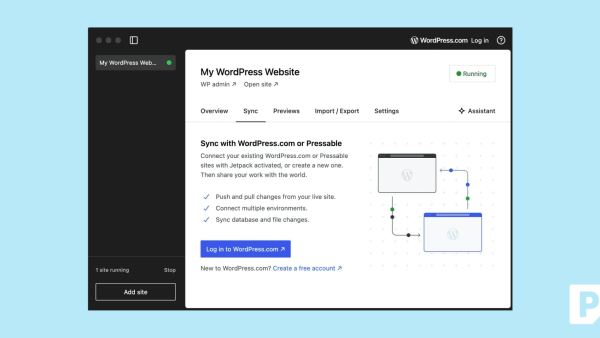
This release is not for production use. Instead, developers are encouraged to test Beta 3 on non-critical environments. This ensures the stability and robustness of the final release. Testing can be conducted through multiple methods: using the WordPress Beta Tester plugin, direct download, WP-CLI, or the WordPress Playground.
Why WordPress 7.0 Beta 3 Matters
With 70 updates in the Editor and 78 in Core, WordPress 7.0 Beta 3 is a substantial release. It focuses on bug fixes and stability improvements. Notably, the WP AI Client Connectors now dynamically register providers, enhancing AI integration flexibility.

Contributors are vital in this development phase. By testing and reporting bugs, users help refine the features and stability of WordPress 7.0. The community is urged to participate and report issues via the support forums or directly to WordPress Trac.
Getting Involved in Testing
Testing WordPress 7.0 Beta 3 is essential for identifying issues early. Developers can follow the detailed guide provided by WordPress for testing features and the upgrade process. Active participation helps address any remaining bugs before the final release.
Updates and highlights from Beta 3 include a more robust AI integration. The WP AI Client Connectors screen now offers greater control over AI integrations, reflecting ongoing efforts to enhance WordPress’s capabilities.
What To Do
- Developers: Use the WordPress Beta Tester plugin or WP-CLI to test Beta 3. Report bugs to the support forums or WordPress Trac.
- Site Operators: Avoid using Beta 3 on live sites. Instead, test on a staging environment.
- Community Members: Join the #core-test channel on Making WordPress Slack for updates and participation.