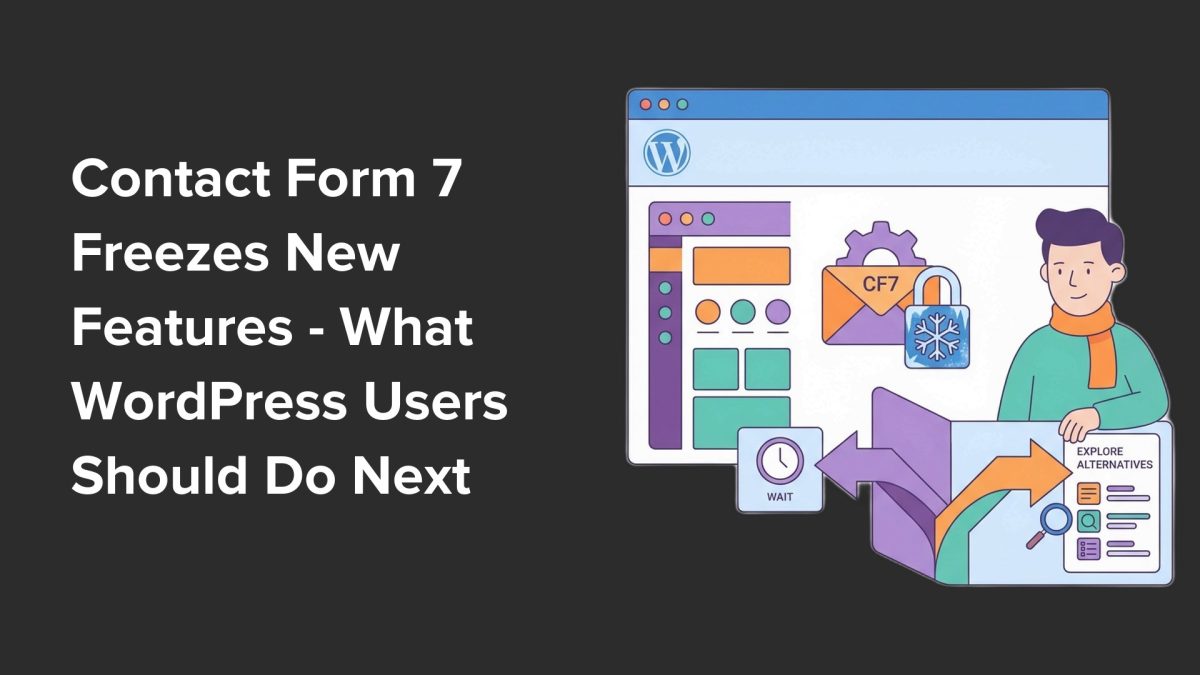
For nearly two decades, Contact Form 7 has been the go-to free plugin for WordPress users who need simple, reliable contact forms. Millions of websites have trusted it as a foundational tool. Yet, at WordCamp Asia 2026, Contact Form 7’s creator, Takayuki Miyoshi, announced a significant shift: the plugin is entering a feature freeze after version 6.2. No new features will be added going forward as the project moves into maintenance mode.
Key Takeaways
- Contact Form 7 will no longer receive new features after version 6.2; it is in feature freeze.
- Security updates will still be provided, but no modern tools or integrations are planned.
- Contactable.io, the intended successor, is not expected until 2028, leaving a long gap.
- Migrating now to a modern form builder like WPForms is recommended to avoid future complications.
- WPForms offers a built-in import tool for easy migration of Contact Form 7 forms.
What the Contact Form 7 Feature Freeze Actually Means
The headlines describing Contact Form 7 as abandoned may sound alarming, but the reality is more nuanced. The plugin will continue to exist and receive security patches for critical vulnerabilities, ensuring forms won’t become an immediate security risk. However, the freeze on new features means the plugin will not keep pace with evolving website needs.
Modern websites increasingly require features like conditional logic, payment integrations, or AI-assisted form building. Contact Form 7 will not be adding these capabilities. As the WordPress ecosystem advances, relying on a form builder stuck in maintenance mode means you risk lagging behind competitors who leverage more advanced tools.
Moreover, Contactable.io—the successor project Miyoshi is focusing on—won’t be ready until at least 2028. This leaves a multi-year gap without an official modern replacement from the original developer. In practice, site owners with growing or complex form needs will find Contact Form 7’s limitations more apparent over time.
The Risks of Delaying Migration
Many WordPress site owners use Contact Form 7 for simple forms, which may continue working fine for now. But sites tend to evolve. You may need to add more fields, customize email routing, or integrate with CRMs and marketing tools. As complexity grows, migrating later becomes more difficult and time-consuming.
Our testing with similar plugin migrations shows that exporting and importing forms while they’re simple is far less error-prone. Waiting until forms become deeply customized can lead to broken workflows, lost data, or extended downtime. Migrating proactively ensures smoother transitions and reduces technical debt.
Why WPForms Is the Leading Alternative to Contact Form 7
After evaluating dozens of form plugins, WPForms stands out as the most balanced replacement for Contact Form 7 users. It offers an intuitive drag-and-drop interface that lowers the barrier for beginners, yet scales to advanced features as sites grow.
WPForms Lite is free and covers the core needs of most former Contact Form 7 users. Its built-in import tool reads your Contact Form 7 forms and recreates them inside WPForms with field labels, notification settings, and basic configurations intact. This greatly reduces manual rework.
For agencies and site owners who need more, WPForms Premium unlocks over 2,100 ready-made templates, conditional logic, multi-page forms, payment integrations, and CRM connections. This lets you future-proof your forms without switching plugins again soon.
For context, our previous community coverage has highlighted how plugin ecosystems evolve as user needs become more sophisticated. WPForms’ ongoing development contrasts with Contact Form 7’s feature freeze, signaling where the market is headed.
How to Migrate from Contact Form 7 to WPForms Today
Migrating now is straightforward and risk-free. First, install the free WPForms Lite plugin from the official WordPress repository. Activation triggers a setup wizard that guides you through the initial configuration.
Next, use the Contact Form 7 import tool inside WPForms to bring your existing forms over. The import preserves your form structure and notification settings, so you don’t have to rebuild from scratch. After verifying form functionality, replace your Contact Form 7 shortcodes with WPForms shortcodes in your pages and posts.
This process minimizes disruption and sets your site up with a form builder that will continue to receive updates, new features, and integrations.
What This Means for WordPress Users
We see this announcement as a clear signal that relying on legacy plugins with frozen development is increasingly risky. The WordPress ecosystem moves fast, and form builders must keep pace with new integrations and user expectations.
For agencies and freelancers managing client websites, proactively migrating sites away from Contact Form 7 will prevent technical debt from accumulating. The migration tools available today make this easier than ever. Waiting until forms become complex or broken will only increase costs and frustrations.
For site owners, now is the time to evaluate your current form needs and plan a migration path. WPForms offers a practical solution that balances ease of use with future-proof scalability. Keeping your forms secure and modern protects your site’s functionality and reputation.
In the broader ecosystem, this freeze underscores the importance of actively maintained and evolving plugins. We expect more plugin maintainers to focus on feature-rich, user-friendly solutions as WordPress itself continues to mature.
Frequently Asked Questions
Will my existing Contact Form 7 forms stop working immediately?
No, your current forms will continue to function as usual. Contact Form 7 will still receive security patches, but no new features will be added. However, over time, lack of updates may cause compatibility issues with newer WordPress versions or themes.
Is Contactable.io a viable replacement right now?
Contactable.io is still in development and not expected until 2028. It is not a current option for site owners needing modern form features today.
What are the benefits of switching to WPForms?
WPForms offers an intuitive drag-and-drop builder, pre-built templates, advanced conditional logic, payment integrations, and a Contact Form 7 import tool. It is actively developed and supported, ensuring ongoing compatibility and feature improvements.
Can I migrate forms without hiring a developer?
Yes, the migration process is designed to be user-friendly. WPForms’ import tool automates most of the work, and detailed guides are available to help site owners transition without coding knowledge.