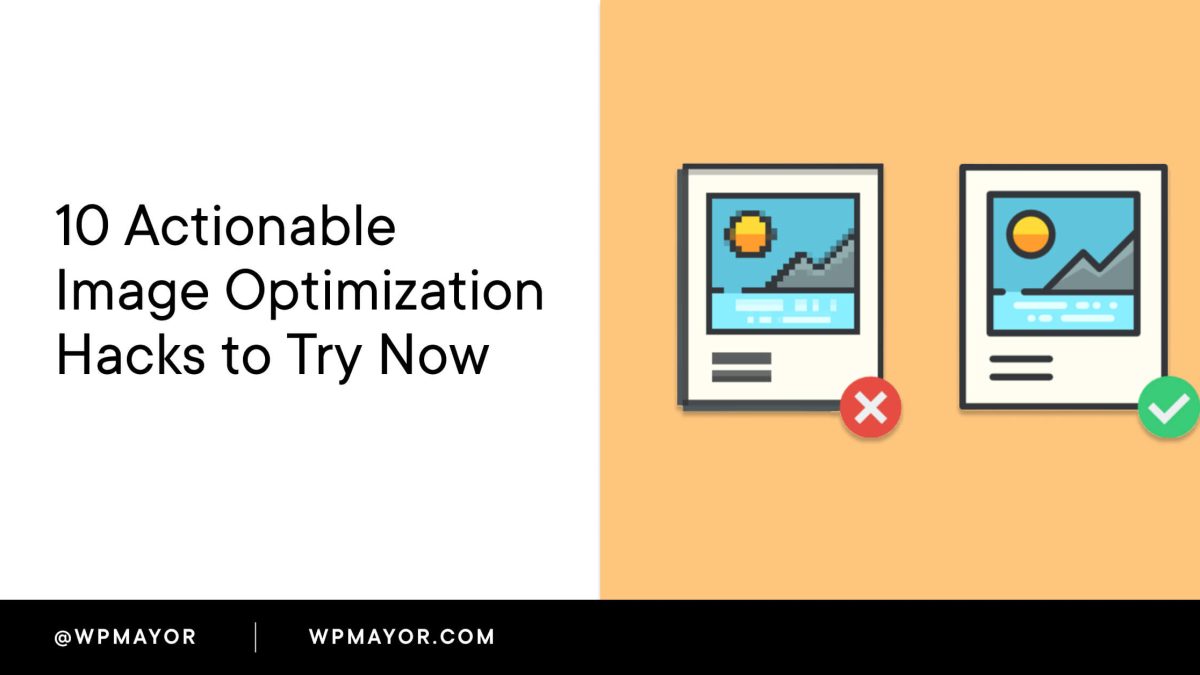
Search engines have become increasingly sophisticated in how they analyze web content, but images remain a critical factor in optimizing for better rankings. WP Mayor has published a detailed guide, ‘WordPress Image SEO Checklist: What Google Actually Looks For,’ highlighting 10 actionable optimization hacks that can help WordPress site owners boost their visibility.
Images are not just decorative elements; they play a pivotal role in SEO. When properly optimized, images can improve search engine rankings, enhance accessibility, and boost page load times, creating a better experience for users. The WP Mayor checklist offers practical strategies that are easy to implement, making it valuable for developers, agency owners, and site operators alike.
How Image SEO Impacts Visibility
Google’s algorithms evaluate images based on multiple factors: file names, alt text, captions, and surrounding context. Missteps in these areas can lead to missed opportunities for traffic. For WordPress users, optimizing images is essential not only for SEO but also for ensuring compliance with accessibility standards.
The WP Mayor guide emphasizes simplicity. These 10 hacks require minimal technical expertise, making them accessible to a wide audience. This is particularly relevant for smaller agencies or independent site operators who may lack deep SEO knowledge but want to make tangible improvements.
Key Optimization Hacks from WP Mayor
While the guide does not detail all 10 hacks in the excerpt, its focus is clear: actionable steps. The hacks are designed to be straightforward to implement, addressing common pitfalls like oversized file sizes, missing alt attributes, and generic image file names. For WordPress users, plugins and built-in tools can simplify many of these processes.

One critical point is the importance of alt text, which serves both SEO and accessibility purposes. Alt text gives Google context about the image, while also providing vital information for screen readers used by visually impaired users. Another common recommendation is compressing image files to balance quality and load speed—a factor that influences both user experience and search engine rankings.
What To Do
- For developers: Use tools like ImageMagick or WordPress plugins that automate compression and optimization.
- For agency owners: Train your content teams on writing effective alt text and captions to align with clients’ SEO goals.
- For site operators: Audit older posts to ensure images have optimized file names, alt attributes, and captions.