Some links on this page are affiliate links. We may earn a commission when you click through and make a purchase, at no additional cost to you.
Most WordPress site owners ask for feedback but struggle to use it effectively for growth. A customer feedback loop offers a structured way to turn survey results into actionable improvements, ensuring that you prioritize changes that genuinely matter to your users.
Key Takeaways
- Using WordPress survey plugins like WPForms or UserFeedback simplifies the feedback collection process.
- A customer feedback loop consists of four stages: Collect, Analyze, Act, and Close the Loop.
- Feedback-driven improvements can boost user satisfaction, retention, and site usability.
- Small WordPress sites benefit just as much as larger ones by implementing feedback loops.
Why Customer Feedback Matters
Customer feedback is essential for WordPress site operators aiming to make informed decisions. Whether you manage a blog, an eCommerce store, or a plugin business, understanding user needs can help you prioritize updates that genuinely improve user experience.
Without a feedback loop, site owners often rely on guesswork, leading to wasted time on changes that don’t resonate with the audience. Feedback loops provide clarity, offering a ranked list of issues or features that users care about most.
For example, survey responses can reveal if visitors find your navigation confusing, if your content is helpful, or if there’s demand for a specific new feature. This insight is invaluable for guiding your next steps.
What Is a Customer Feedback Loop?
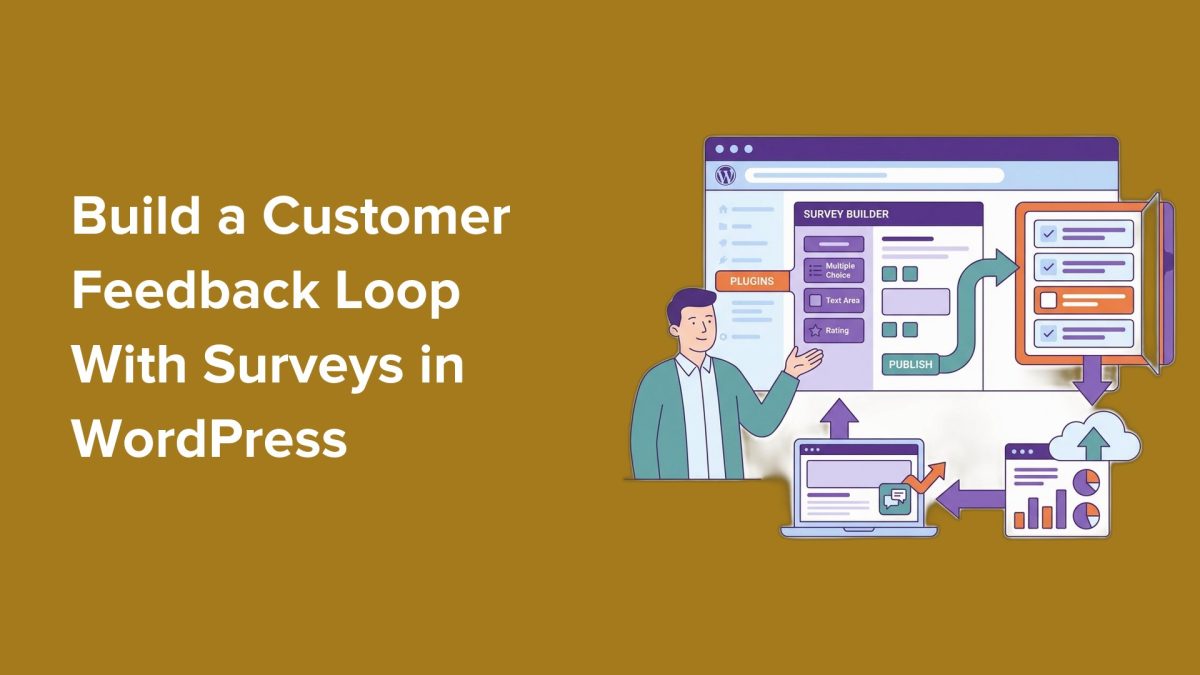
A customer feedback loop is a systematic approach to collecting and using feedback to improve your site or products. The loop includes four key stages:
- Collect: Gather feedback via surveys, polls, or feedback forms.
- Analyze: Review responses to identify trends, recurring issues, or suggestions.
- Act: Implement changes based on the insights gathered.
- Close the Loop: Share updates with users to demonstrate their feedback was valued and used.
By closing the loop, you build trust and encourage users to continue providing feedback in the future.
Tools for Running Surveys in WordPress
Setting up a feedback loop in WordPress is straightforward, thanks to survey plugins like WPForms.com" rel="nofollow noopener" target="_blank">WPForms and UserFeedback. Both tools offer drag-and-drop interfaces, making it easy to create surveys without coding.
WPForms: Ideal for collecting detailed feedback, WPForms supports multiple question types, including ratings, multiple-choice, and open-ended responses. It integrates seamlessly with WordPress and includes reporting tools to analyze results.
UserFeedback: Designed for quick feedback, UserFeedback excels at popup surveys and brief prompts. It’s perfect for capturing user insights in real-time without interrupting their experience.
Both plugins allow you to embed surveys on pages, posts, or as popups, ensuring maximum visibility and engagement.
How to Build the Feedback Loop
Step 1: Collect Feedback
The first step is designing a survey that aligns with your goals. For instance, if you want to improve your site’s usability, include questions about navigation and content clarity. Focus on actionable questions that help you make decisions.
Step 2: Analyze Responses
Once responses are collected, look for patterns. Are there recurring complaints about site speed or requests for specific features? Pay extra attention to open-ended feedback, as it often highlights unique insights.
Step 3: Turn Feedback Into Action
Use the insights gathered to make changes. This could involve fixing navigation issues, updating content, or adding requested features to your product. Prioritize the changes that impact the majority of users.
Step 4: Close the Loop
Finally, communicate with your audience about the updates you’ve made based on their feedback. For example, send an email highlighting the changes or write a blog post explaining how user responses shaped your decisions.
Common Mistakes to Avoid
Several pitfalls can derail your feedback loop. These include:
- Asking too many or irrelevant questions, leading to survey fatigue.
- Ignoring feedback conflicts instead of addressing them transparently.
- Failing to communicate the changes made, reducing user trust.
By avoiding these mistakes, you’ll create a feedback loop that genuinely benefits your site and audience.
What This Means for WordPress Users
For WordPress professionals, implementing a customer feedback loop can be transformative. Agencies can better understand client needs, plugin developers can prioritize features, and site owners can boost user satisfaction.
We recommend starting small by using plugins like WPForms or UserFeedback to collect and analyze feedback easily. Even a single survey can highlight areas to improve, leading to more meaningful engagement with your audience.
In the long term, feedback loops signal a commitment to user-centric development, whether for plugins, themes, or site content. This approach aligns with broader WordPress community values, emphasizing collaboration and responsiveness.
Frequently Asked Questions
What is the best plugin for creating surveys in WordPress?
WPForms is ideal for detailed surveys, while UserFeedback works well for quick popup surveys.
How do I analyze open-ended survey responses?
Look for recurring themes, keywords, and patterns in responses. Group similar feedback to identify priorities.
How can I encourage users to complete my survey?
Keep the survey short, offer incentives like discounts, and place it in highly visible locations on your site.
What should I do if feedback conflicts?
Prioritize feedback that aligns with your core goals and affects the majority of users, while transparently acknowledging differing opinions.