Some links on this page are affiliate links. We may earn a commission when you click through and make a purchase, at no additional cost to you.
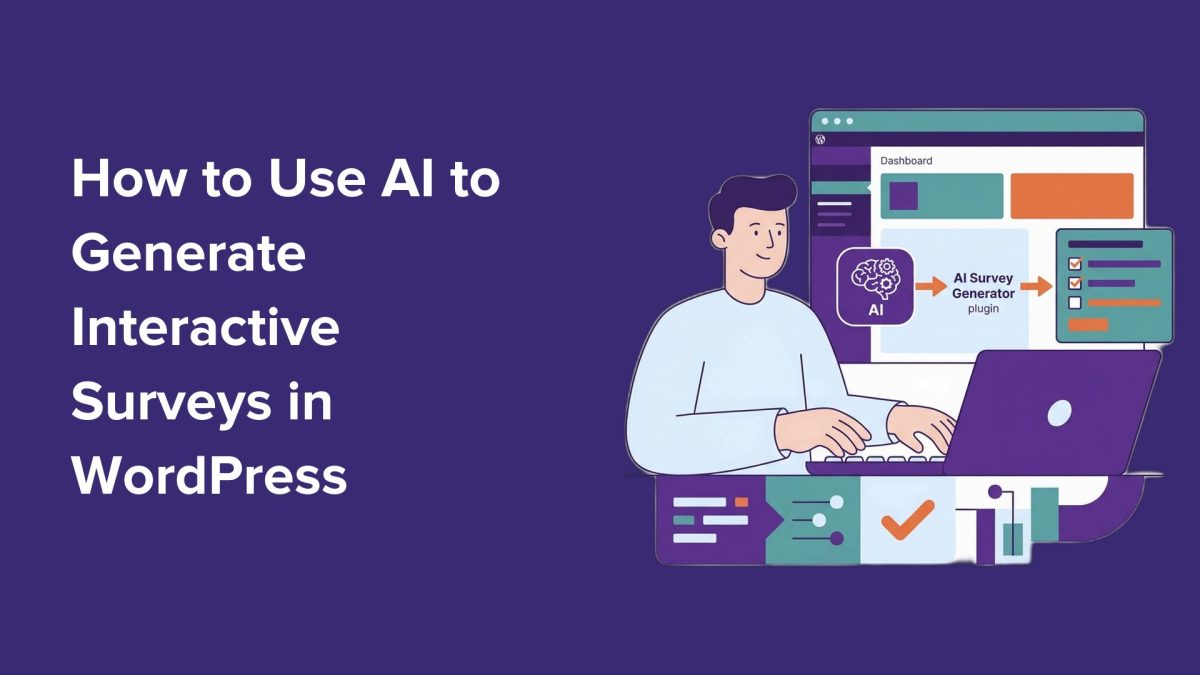
The era of boring, static WordPress surveys is over. With AI-driven tools like WPForms, site operators can now create interactive surveys that adapt to user behavior, improving engagement and delivering actionable data.
Traditional surveys often fail because they’re too rigid and unengaging. Many users abandon long forms or provide generic responses, leaving site owners with incomplete or low-quality insights. Interactive surveys, powered by AI, change this dynamic by using conversational layouts and conditional logic to personalize the experience in real-time. This approach not only increases completion rates but also sharpens the quality of the data collected.
Why AI-Driven Surveys Are Game-Changing
Interactive surveys take user feedback beyond superficial levels. Features like Likert Scales enable precise ratings, while conditional logic ensures users only see questions relevant to them, shortening forms and improving user experience. For businesses, this translates into professional insights such as Net Promoter Scores (NPS) that track customer loyalty using industry-standard metrics.

AI integration in survey creation streamlines the process significantly. Instead of spending hours manually designing forms, WPForms’ AI tools can generate tailored questions and logic in about 15 minutes. This efficiency allows site operators to focus on analyzing results and making informed decisions rather than grappling with technical setup.
What You Need to Get Started
WPForms is the leading drag-and-drop form builder for WordPress, offering both free and premium options. While the free version includes basic AI form building capabilities, unlocking advanced features like survey-specific fields, visual reporting, and conversational layouts requires WPForms Pro.
To access these capabilities, site operators must install and activate WPForms, verify their license key, and enable the necessary addons. The ‘Surveys and Polls’ addon provides specialized tools for collecting and analyzing data, while the ‘Conversational Forms’ addon transforms surveys into full-screen, interactive experiences that mimic one-on-one chats. These features collectively enhance user engagement and data accuracy.
Practitioners should also ensure compliance with privacy laws like GDPR by updating their Privacy Policy page when collecting survey data.
Building Interactive Surveys with AI
Once the addons are installed, creating an AI-powered survey is straightforward. Site operators can navigate to WPForms » Add New Form in their WordPress dashboard to begin. The AI builder assists in generating targeted questions and setting up conditional logic that adapts to user responses dynamically.
For maximum engagement, WPForms’ conversational layout is highly recommended. This format makes surveys feel less like a formal questionnaire and more like a genuine interaction, improving completion rates and the quality of feedback.
Publishing options include embedding the survey directly on a webpage or sharing a dedicated link for a full-screen experience. Both methods ensure seamless access for users while maintaining the interactive design.
Analyzing and Acting on Survey Data
WPForms Pro provides robust reporting tools that visualize survey data in real time. These insights enable site operators to identify trends, measure user sentiment, and track loyalty metrics like NPS. Visual data representations simplify decision-making and allow businesses to act swiftly on user feedback.

Additionally, WPForms includes features to reduce form abandonment, ensuring even higher completion rates. By addressing common pain points like unclear questions or overly lengthy forms, site operators can maximize the value of every survey response.
What To Do
- Developers: Implement WPForms Pro and the necessary addons to add interactive surveys to client sites.
- Agency Owners: Offer AI-powered survey creation as part of your service package to differentiate your offerings.
- Site Operators: Use WPForms AI tools to create conversational surveys that engage users and drive actionable insights.
- Hosting Professionals: Ensure server configurations can handle increased survey traffic, particularly for sites with high user volumes.